
QXBroker Review: Features and User Experience
Explore QXBroker's trading platform in India 🌏. Get insights on features, account types, fees, security, & customer support to trade smarter 🔒💹.
Edited By
Emily Carter
Choosing the right tablet for stock trading can make a noticeable difference in your trading efficiency and decision-making. Traders and finance professionals need devices that offer fast performance, clear displays, reliable connectivity, and robust security. Unlike general tablets, those meant for stock trading must handle live market data, run trading apps smoothly, and ensure your sensitive information stays protected.
In India, where stock markets operate with high volatility and trading can happen anytime, having a tablet that keeps up with rapid price changes and order executions is crucial. For instance, a sluggish device may cause delays in placing orders on platforms like Zerodha or Upstox, potentially leading to missed opportunities.
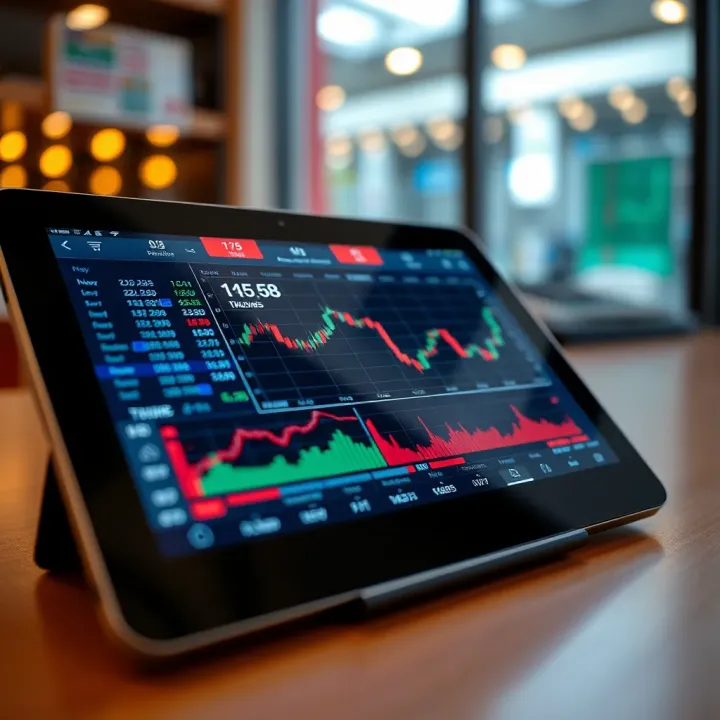
In the sections ahead, we will explore key features that matter most for trading tablets. This includes the processing power that keeps charts updating without lag, display quality for easy reading even under bright daylight, network options to stay connected anywhere, and security features like biometric locks to safeguard your accounts.
A tablet that balances power, portability, and security can boost your confidence and speed in trading, especially if you travel or work from different places.
By understanding these aspects, you can make an informed choice and ensure your device supports your trading needs perfectly.
When selecting a tablet for stock trading, focusing on the right features is essential to keep up with fast-moving markets and detailed data. Traders, analysts, and brokers need tools that balance performance, display clarity, reliable connectivity, and security. Without these, you risk missing timely opportunities or getting caught out by technical glitches.
Fast processors form the backbone of any trading tablet. Stock trading apps often display live charts and price feeds with rapid updates. A sluggish processor can cause lag, delaying order execution and slowing down real-time analysis. For instance, tablets powered by Apple’s A14 Bionic chip or Qualcomm’s Snapdragon 8-series manage data flows smoothly, making quick decision-making possible.
Alongside the processor, sufficient RAM keeps everything running without hiccups. Multitasking between trading platforms, market news, and charting tools demands at least 4GB of RAM; 6GB or higher is ideal for serious traders who keep multiple tabs and apps open simultaneously. This ensures seamless switching and prevents freezing during critical moments.
A clear and roomy screen makes a big difference when tracking charts and market data. Size matters here; tablets with 10 inches or larger screens provide enough space to view candlestick charts, order books, and news feeds comfortably. For example, a 12.9-inch iPad Pro offers expansive visibility without zooming in constantly.
Resolution and colour accuracy also play key roles. Sharp screens with full HD or higher resolution ensure data points and text are crisp and legible. Accurate colours help when reading heat maps or charts with colour-coded signals, reducing eye strain during long hours. Tablets with IPS or OLED panels often deliver this clarity.
Trading depends on uninterrupted internet access. Tablets with options for Wi-Fi plus 4G or 5G provide stability and flexibility, especially when you move between home, office, or travel locations. A slow or spotty connection can cause delayed order placement, so having cellular backup alongside Wi-Fi is a practical advantage.
Equally important is a lasting battery. Trading sessions can stretch for several hours, especially during volatile markets. Tablets offering 8-10 hours or more of battery life let you work without constantly hunting for a charger. This freedom is particularly crucial if you attend meetings or travel frequently.
Protecting trading accounts and sensitive data from unauthorised access is a must. Tablets equipped with biometric locks—such as fingerprint scanners or face recognition—offer quick and secure login, preventing unauthorized entry even if the device is lost or stolen.
Data encryption and app permission controls further safeguard your information. Encrypted storage ensures that saved passwords, order history, and personal details remain protected. Managing app permissions helps avoid risky access by third-party apps, preserving your privacy in the long run.
When it comes to trading tablets, balancing speed, clarity, connectivity, and security keeps you agile in the market and shields your investments from unexpected tech issues.
Choosing the right tablet for stock trading is more than picking a device with a good display or fast processor. In India’s dynamic market, traders need tablets that support quick decision-making, handle multiple apps smoothly, and remain reliable during long sessions. The top tablets from Apple, Samsung, and OnePlus stand out due to their performance, app compatibility, and robust build quality.

The iPad Pro is the go-to option for experienced traders who demand speed and precision. With Apple’s M2 chip powering it, the iPad Pro offers blazing-fast processing that can manage complex charting tools and real-time data updates without lag. Its ProMotion display with a refresh rate of 120Hz ensures smoother scrolling and crisp visuals, which is ideal when analysing candlestick charts or monitoring several windows simultaneously. Professionals will also benefit from the seamless integration with iOS-specific trading apps like Zerodha Kite and Upstox Pro, which often run more optimally on Apple devices.
Traders who seek strong performance but don’t want to invest in the high-end iPad Pro can consider the iPad Air. Equipped with the M1 chip, it handles most trading apps and multitasking effortlessly. The 10.9-inch Liquid Retina display gives clear visuals with good colour accuracy, sufficient for analysing charts and reading market news. Battery life is also commendable, making it suitable for traders who trade across time zones or prefer to work without worrying about frequent charging.
Samsung’s Galaxy Tab S8 is a solid Android alternative for Indian traders looking for versatility. The powerful Snapdragon 8 Gen 1 processor enables swift execution of trading decisions even under heavy multitasking. Its 11-inch LCD display, with a 120Hz refresh rate, provides vivid colours and smooth visuals, crucial for detailed technical analysis. Additionally, Samsung offers stylus support with the S Pen, allowing users to annotate charts directly—a useful tool for those who prefer a tactile approach to their trading strategies.
For traders on a budget, the Galaxy Tab A balances decent specs with an affordable price. While it lacks some high-end features like a high refresh rate, its capabilities still fit the needs of casual traders or investors who trade less frequently. The Tab A supports popular Indian trading apps and offers reliable battery life, making it a practical choice for beginners or those managing long-term portfolios.
OnePlus’s entry into the tablet market with the OnePlus Pad presents traders with a fast and fluid experience. Powered by the MediaTek Dimensity 9000+ chipset, it manages multitasking well and ensures trading apps load quickly. The 11.61-inch AMOLED screen delivers sharp and bright visuals, which is invaluable when keeping an eye on market trends or economic news feeds. OnePlus Pad also benefits from OxygenOS, which is known for smooth, bloatware-free performance, helping traders avoid distractions.
Besides these leading tablets, brands like Lenovo and Realme offer devices that pack sufficient power and decent screens for stock trading at competitive prices. For example, the Lenovo Tab P12 Pro boasts strong processing and a large AMOLED display, while Realme Pad offers decent battery life and app compatibility for budget-conscious users. Traders should focus on tablets that support stable connectivity options like Wi-Fi and LTE, and can run Indian trading platforms smoothly without crashes or delays.
When selecting a tablet for stock trading, consider not only the raw specifications but also how well the device supports your preferred trading apps and how comfortable it is to use during long market hours. The above options cater to different needs and budgets, ensuring traders in India can find the right fit for their trading style.
Choosing the right tablet for stock trading isn’t just about hardware specs; app compatibility plays an equally important role. Practically, you need trading apps that run smoothly, provide real-time updates, and support advanced features without lag or crashes. This allows you to react instantly to market moves, which can considerably impact your investment decisions.
Zerodha Kite is among the most widely used trading platforms across the country. It supports seamless charting tools, quick order execution, and portfolio tracking. Running Kite on tablets provides traders with a larger display to analyse live market data and place orders efficiently. Zerodha’s focus on a clean interface translates well on iOS and Android tablets, making it easier to manage multiple positions and watchlists.
Upstox Pro offers feature-rich tools tailored for serious stock traders and investors. On a tablet, Upstox Pro delivers real-time market feeds, detailed charts, and easy access to derivatives trading. Traders particularly benefit from its multi-market watchlists and customizable alerts, helping them keep track of different asset classes without needing a desktop.
Angel One stands out for its integrated research and advisory offerings along with brokerage facilities. Its mobile app adapts well to tablets, offering sturdy navigation and quick access to mutual funds alongside equity trading. For investors who want a one-stop platform on the go, Angel One combines convenience with solid functionality.
iOS tablets, such as the iPad series, offer excellent app optimisation. Trading apps here take advantage of Apple’s hardware and software integration to deliver fluid performance, crisp graphics, and quick response times. Features like Face ID add security layers important for sensitive transactions, and iOS regularly updates apps to conform with compliance and user experience standards.
Android tablets provide flexibility with a broad range of devices from brands like Samsung and OnePlus. Most Indian trading apps get frequent updates to support Android’s diverse hardware landscape. Features like split-screen multitasking allow traders to monitor charts while following news or messaging simultaneously. That said, performance and compatibility can vary across Android models, so choosing a reliable tablet is key.
App compatibility and smooth functioning on your chosen tablet directly affect your trading speed and decision-making quality. It’s wise to test the apps you intend to use on a device before committing.
In summary, while hardware specifications matter, focusing on how well trading apps run on your tablet and the features supported by the tablet’s operating system is critical for an efficient trading experience.
Selecting the right tablet for stock trading involves more than just checking specifications. Practical factors like your trading style, budget constraints, portability, and after-sales service play a significant role in ensuring your device meets day-to-day demands. These tips help you focus on what truly matters and avoid spending on unnecessary features.
Day traders require tablets that handle rapid data updates and multiple app windows without lag. Devices with faster processors and ample RAM are necessary to keep up with fluctuating stock charts and real-time alerts. For example, a tablet like the iPad Pro suits this style due to its powerful chipset and smooth multitasking.
On the other hand, long-term investors may not need the highest-end device since their focus is on analysis rather than real-time trades. A more balanced tablet like the Samsung Galaxy Tab A offers adequate performance and display quality for studying market trends without the added cost.
It's tempting to opt for tablets packed with every possible feature, but this can quickly push you beyond your budget. Prioritise key features—like good display quality and stable connectivity—over extras such as a high-end camera which is less relevant for trading.
For instance, investors on a moderate budget will find mid-range Android tablets with 4G support and decent battery life sufficient. Spending ₹30,000–₹40,000 can land you a capable tablet without burning a hole in your pocket. Investing smartly means getting value for money rather than buying the latest model for the sake of it.
Your tablet’s size and weight directly affect your trading comfort, especially if you use it on the move. A bulky tablet can become tiring during extended use, while a smaller screen may not do justice to detailed stock charts.
For example, a 10-inch tablet with a weight under 500 grams strikes a good balance. This size is large enough for comfortable viewing and light enough to carry daily, whether commuting or working from different locations.
Smooth app navigation saves precious seconds during fast-paced trading sessions. Touch responsiveness, screen brightness, and operating system optimisation all affect how well trading apps perform.
Tablets with intuitive interfaces like iPads tend to have an advantage here, but many Android models also offer fluid experiences. Make sure the tablet supports the trading apps you use most, and spends some time with demo versions if possible.
Buying a tablet with an accessible service centre protects your investment in case of hardware issues. Popular brands such as Apple, Samsung, and OnePlus have widespread service networks across India, including tier-2 and tier-3 cities.
If you live outside metro areas, confirm service availability before purchase. A quick repair or replacement can make a big difference during trading if your device suddenly fails.
Standard manufacturer warranties usually cover one year, focusing on manufacturing defects. However, trading tablets face unique risks—like battery wear from heavy usage or accidental damage during travel.
Consider extended warranty plans or device insurance if you rely heavily on your tablet for income. Some providers offer accidental damage protection and quicker turnaround times, which keeps downtime minimum.
A tablet is more than just a gadget for traders—it's a vital tool. Choosing wisely based on practical needs ensures your investment supports your trading strategy efficiently, without surprises or unnecessary costs.
Explore QXBroker's trading platform in India 🌏. Get insights on features, account types, fees, security, & customer support to trade smarter 🔒💹.
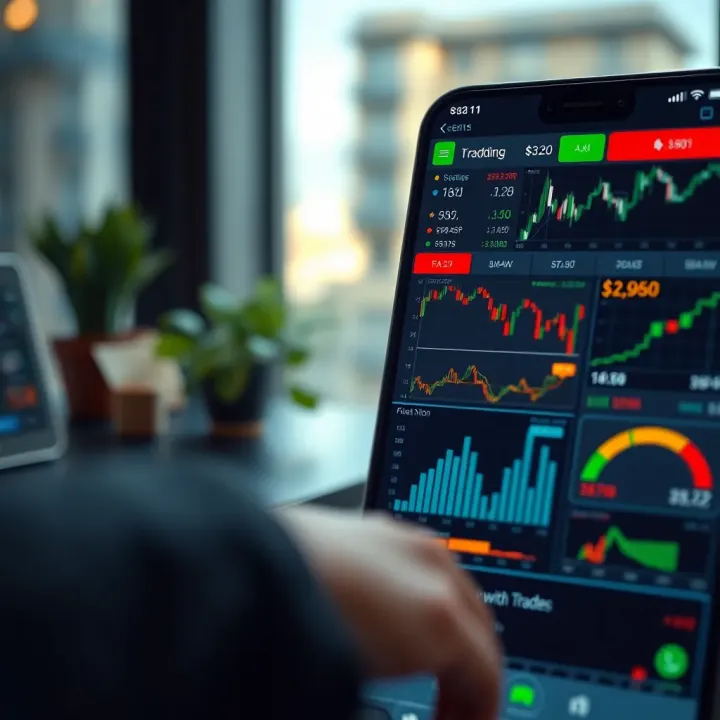
Explore QXBroker app's key features, trading tools, account options, security, and support to see how it meets the needs of Indian traders 📊📱🔒
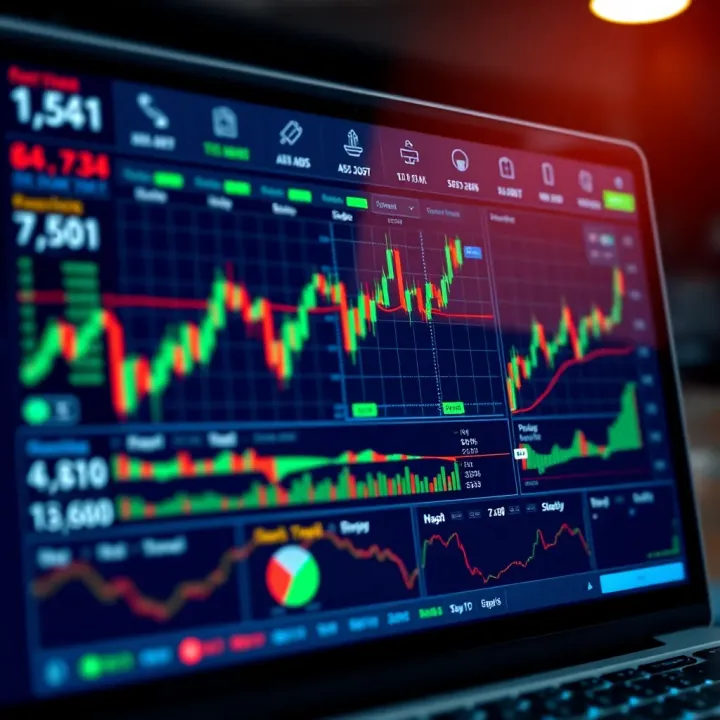
Explore real trading platforms in India 📈! Learn about features, security 🔒, costs, and tech tools to pick the right platform for your trading style.
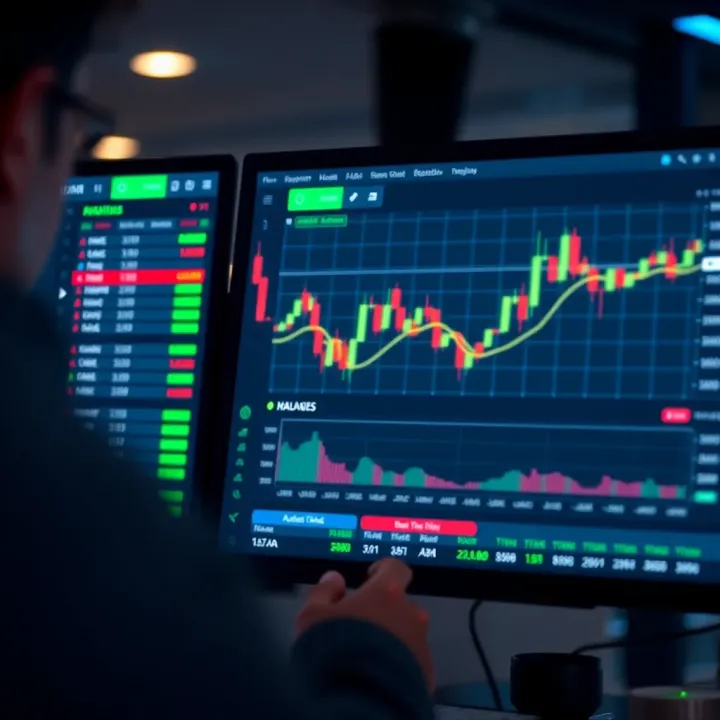
🧐 Explore our detailed review of QXBroker covering its features, trading experience, regulation, account types, and support for Indian traders. 📊
Based on 6 reviews